


 English
  中文简体
中文简体 • The CNC Knife Grinding Machine adopts PLC program control, which is easy to operate, fast, stable,...
See DetailsWoodworking Knife Grinding Machines: How Do Digital Tools Boost Accuracy? Novice Selection Guide
Industry News-Content
- 1 What Is the Core Role of Woodworking Knife Grinding Machines?
- 2 How Do Digital Tools Optimize the Accuracy of Knife Grinding?
- 3 What Makes Novice-Friendly Woodworking Knife Grinding Machines Different?
- 4 What Key Factors Should Novices Prioritize When Choosing Equipment?
- 5 What Mistakes Do Novices Often Make When Choosing These Machines?
- 6 What’s the Final Checklist for Novices to Choose the Right Machine?
What Is the Core Role of Woodworking Knife Grinding Machines?
A woodworking knife grinding machine is a specialized tool designed to sharpen and refine the cutting edges of woodworking blades—such as planer knives, jointer knives, and circular saw blades—ensuring they maintain sharpness for precise wood cutting. In woodworking, blade sharpness directly impacts output quality: dull blades cause rough cuts, splintering, or uneven surfaces, while sharp blades deliver smooth, clean results. Traditional grinding machines relied on manual adjustments, which depended heavily on the operator’s skill and often led to inconsistent edge angles or uneven grinding. Today, digital tools have transformed this process, shifting from "operator-dependent" to "precision-driven" performance—critical for both professional workshops and novice users aiming for reliable results.
How Do Digital Tools Optimize the Accuracy of Knife Grinding?
Digital integration enhances accuracy through four key mechanisms, addressing the main sources of error in traditional grinding (e.g., manual angle miscalculations, uneven pressure):
1. Digital Angle Measurement and Calibration
Traditional grinding required operators to guess or use basic tools (like protractors) to set blade angles—a method prone to human error. Digital tools, however, use built-in sensors (e.g., laser sensors or electronic angle gauges) to measure blade angles in real time with precision up to 0.1 degrees. Before grinding starts, the machine automatically calibrates the blade’s position, ensuring it aligns with the desired angle (e.g., 25 degrees for planer knives). During grinding, the system continuously monitors the angle and adjusts the grinding wheel’s position if deviations occur, eliminating inconsistencies between multiple blades or repeated sharpening sessions.
2. Automated Grinding Path Control
Digital controllers (often paired with CNC, or Computer Numerical Control, technology) program the grinding wheel’s movement along a pre-set path. Unlike manual grinding, where pressure and speed vary with the operator’s hand, automated paths ensure uniform contact between the wheel and blade. For example, when grinding a serrated saw blade, the digital system adjusts the wheel’s speed and depth for each serration, ensuring every tooth has the same sharpness and angle. This not only improves accuracy but also reduces blade wear—uneven grinding can create weak spots on the blade, shortening its lifespan.
3. Real-Time Error Detection and Correction
Advanced digital machines include feedback loops that detect and fix issues during operation. If the grinding wheel becomes worn (which would reduce sharpness), a digital sensor measures the wheel’s diameter and adjusts the grinding depth to compensate. Similarly, if the blade shifts slightly during clamping, the system alerts the user or automatically realigns the blade. This "self-correcting" feature prevents costly mistakes—such as over-grinding (removing too much blade material) or creating a lopsided edge—that are common with manual machines.
4. Data Storage for Consistent Results
Digital tools let users save grinding parameters (e.g., angle, speed, depth) for specific blade types. For example, a user can store settings for a 10-inch circular saw blade and recall them later, ensuring every identical blade is ground to the same standard. This is especially useful for novices, who no longer need to re-learn or re-adjust settings for different blades. Data storage also simplifies quality control—users can track grinding history (e.g., when a blade was last sharpened) to maintain a consistent workflow.
What Makes Novice-Friendly Woodworking Knife Grinding Machines Different?
Novice users face unique challenges: limited experience with blade types, less familiarity with grinding techniques, and a higher risk of damaging blades due to incorrect operation. Novice-friendly machines address these issues with three key design features, beyond basic digital accuracy:
1. Intuitive User Interfaces
Instead of complex control panels with dozens of buttons, novice machines use simplified interfaces—such as touchscreens with pre-programmed "presets" for common blades (e.g., "planer knife," "jointer knife"). Users select the blade type, and the machine automatically sets the optimal angle and grinding speed. Some models also include visual guides (e.g., on-screen diagrams showing how to clamp the blade) to reduce setup errors.
2. Safety Features to Prevent Mistakes
Novices are more likely to make safety-related errors (e.g., unclamped blades or touching the grinding wheel). Novice-friendly machines include:
- Auto-clamping: The machine secures the blade automatically, preventing slippage during grinding.
- Emergency stop buttons: Large, easy-to-reach buttons that halt operation instantly if something goes wrong.
- Protective guards: Shields that cover the grinding wheel, reducing the risk of debris or accidental contact.
- Over-grinding protection: The system stops grinding once the blade reaches the desired sharpness, preventing material waste.
3. Low Maintenance Requirements
Novices often lack the time or knowledge to perform complex maintenance (e.g., adjusting grinding wheel alignment). Novice machines use durable components (e.g., self-lubricating grinding wheels) that require minimal upkeep. They also include clear maintenance reminders (e.g., "Clean the wheel after 10 uses") on the interface, ensuring users don’t overlook simple tasks that affect performance.
What Key Factors Should Novices Prioritize When Choosing Equipment?
Novices should focus on four practical factors to avoid frustration and ensure long-term usability, rather than just chasing "high-tech" features:
1. Compatibility with Common Blade Types
Before buying, novices should list the blades they use most (e.g., planer knives, small circular saw blades) and confirm the machine supports those sizes and styles. For example, a machine designed for narrow chisels may not work for wide jointer knives. Look for machines that handle a range of blade lengths (e.g., 4–12 inches) and thicknesses, as this flexibility will grow with the user’s skills.
2. Size and Portability for Home/Small Workshops
Most novices use grinding machines in home garages or small workshops with limited space. Compact, lightweight models (e.g., under 50 lbs) are easier to store and move, while larger machines may take up too much room. Portability also matters if the user needs to grind blades near a woodworking project, rather than in a fixed location.
3. Clear Instruction and Support
Even with intuitive design, novices need guidance. Look for machines that include:
- Detailed user manuals: Step-by-step guides with photos, not just technical jargon.
- Online tutorials: Manufacturer-provided videos showing setup, operation, and maintenance.
- Customer support: Access to help (e.g., phone or email support) for troubleshooting—avoid machines with no clear support channels.
4. Budget Alignment with Skill Level
Novices don’t need professional-grade machines (which can cost thousands of dollars) designed for high-volume use. Mid-range models (\(500–\)1,500) offer sufficient digital accuracy, safety features, and compatibility for most home users. Avoid ultra-budget models (under $300), which often lack key digital tools (e.g., real-time angle measurement) or durability—they may need to be replaced quickly, costing more in the long run.
What Mistakes Do Novices Often Make When Choosing These Machines?
Even with good intentions, novices can make choices that lead to unused or ineffective equipment. Here are three common pitfalls to avoid:
1. Buying a Machine "Too Advanced" for Their Needs
Some novices assume a professional-grade machine will be "better," but these models often have complex features (e.g., custom CNC programming) that novices don’t need. Learning to use these features can be overwhelming, leading to the machine being abandoned. Stick to machines labeled "beginner" or "entry-level"—they’re designed to grow with your skills, not intimidate you.
2. Ignoring Blade Clamping Mechanisms
A machine’s accuracy means nothing if the blade isn’t clamped securely. Novices sometimes overlook clamping quality—opting for machines with manual clamps that are hard to adjust. Auto-clamping or quick-release clamps are better for beginners, as they ensure the blade stays in place without requiring precise manual pressure.
3. Forgetting to Check Noise and Dust Levels
Grinding machines generate noise and dust, which can be problematic in home environments. Novices often don’t consider this until after purchase—leading to complaints from family members or messy workshops. Look for machines with built-in dust collection ports (to connect to a vacuum) and noise ratings under 80 decibels (similar to a normal conversation) for home use.
What’s the Final Checklist for Novices to Choose the Right Machine?
Before purchasing, novices should confirm these five points to ensure a trouble-free experience:
- It supports the blade types and sizes they use most.
- It has an intuitive interface with pre-programmed presets for beginners.
- It includes key safety features (auto-clamping, emergency stop, guards).
- It fits their workspace (size and portability) and budget.
- It comes with clear instructions and accessible customer support.
By focusing on these factors—paired with the accuracy benefits of digital tools—novices can select a woodworking knife grinding machine that delivers reliable results, builds their confidence, and supports their growth in woodworking.
Related products
-
-

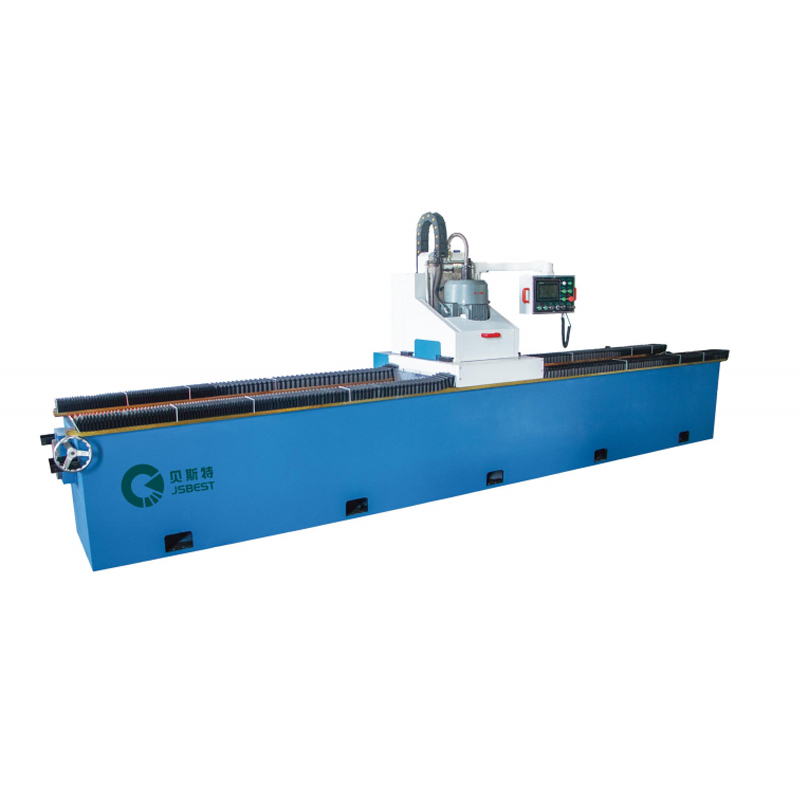
• The whole machine adopts a high-strength gantry-type welding structure, with a solid and compact o...
See Details -
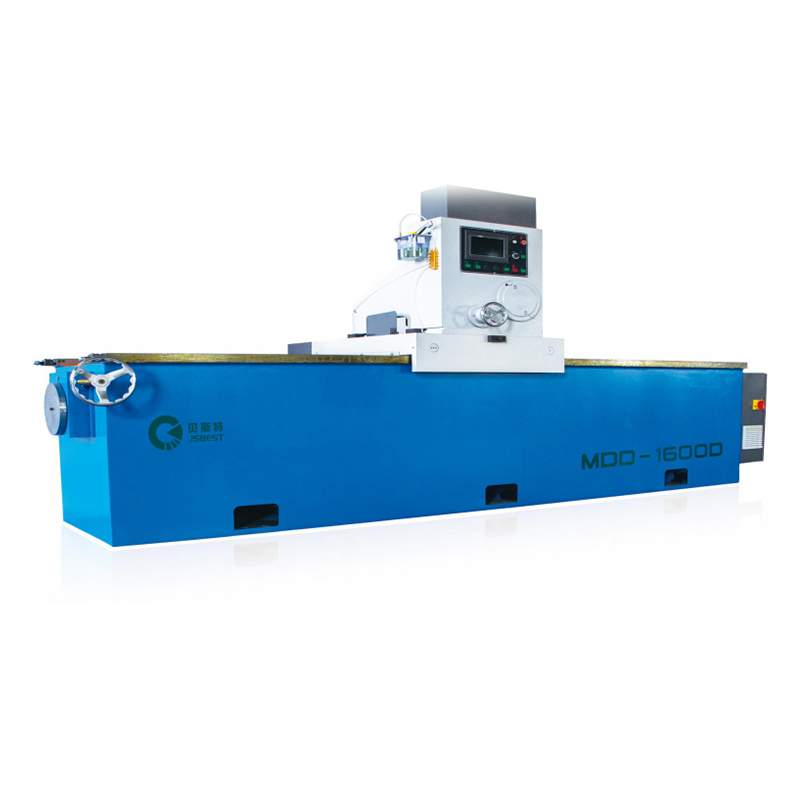
• The grinder adopts a gantry-type bed, high-quality steel plate welding, high-temperature tempering...
See Details -
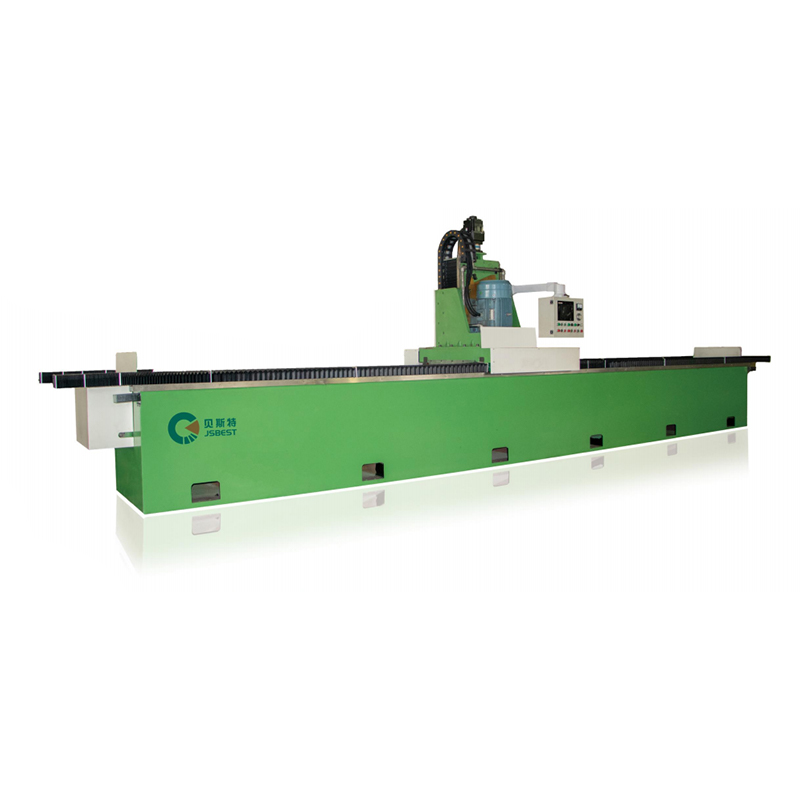
• A high-strength welded steel structure is adopted to eliminate the internal stress of the machine ...
See Details -
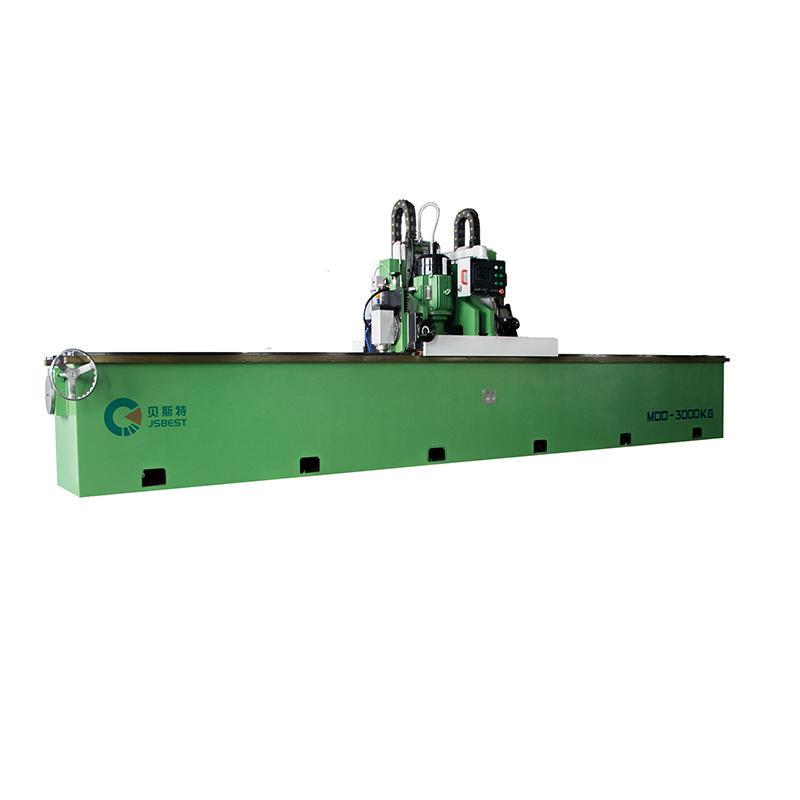
Double-Head Knife Grinding Machine is an efficient grinding equipment that combines rough grinding a...
See Details -
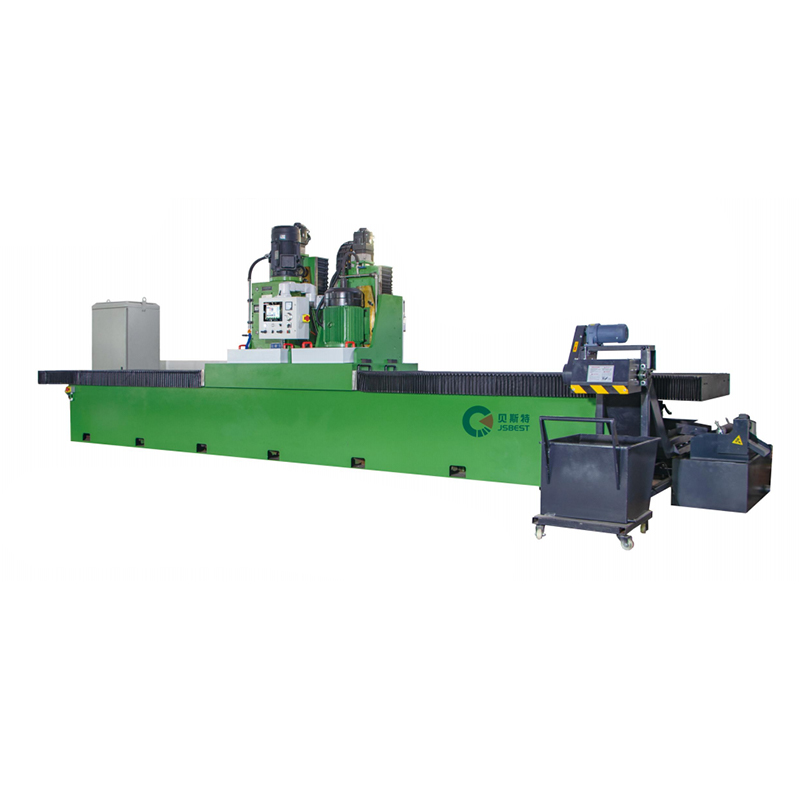
Heavy-Duty Surface Milling And Grinding Machine is an efficient processing equipment that integrates...
See Details -
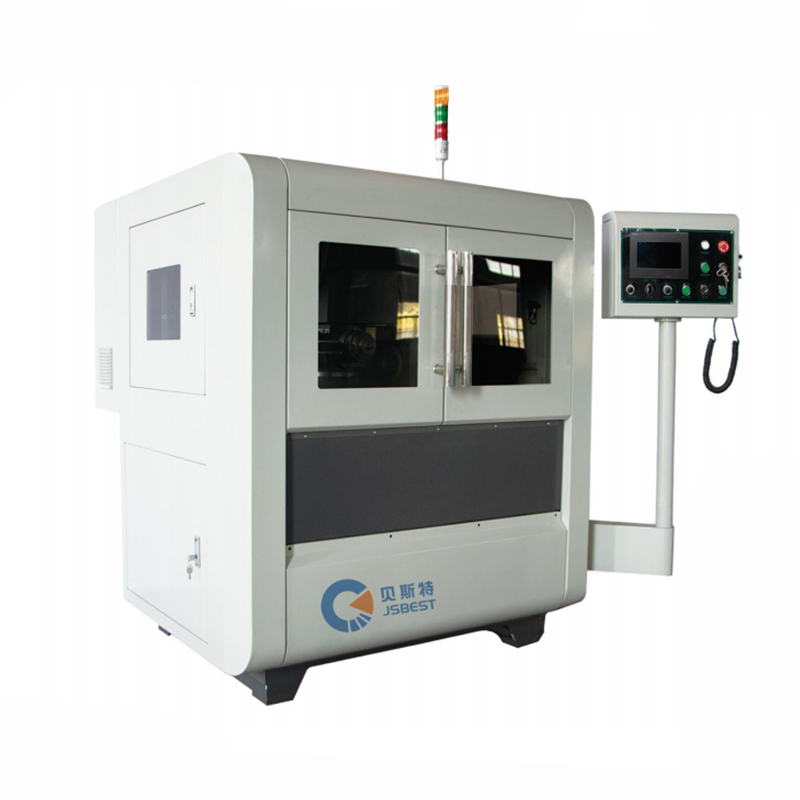
• This round knife grinder adopts a PLC program to control the automatic feeding part, which is easy...
See Details -
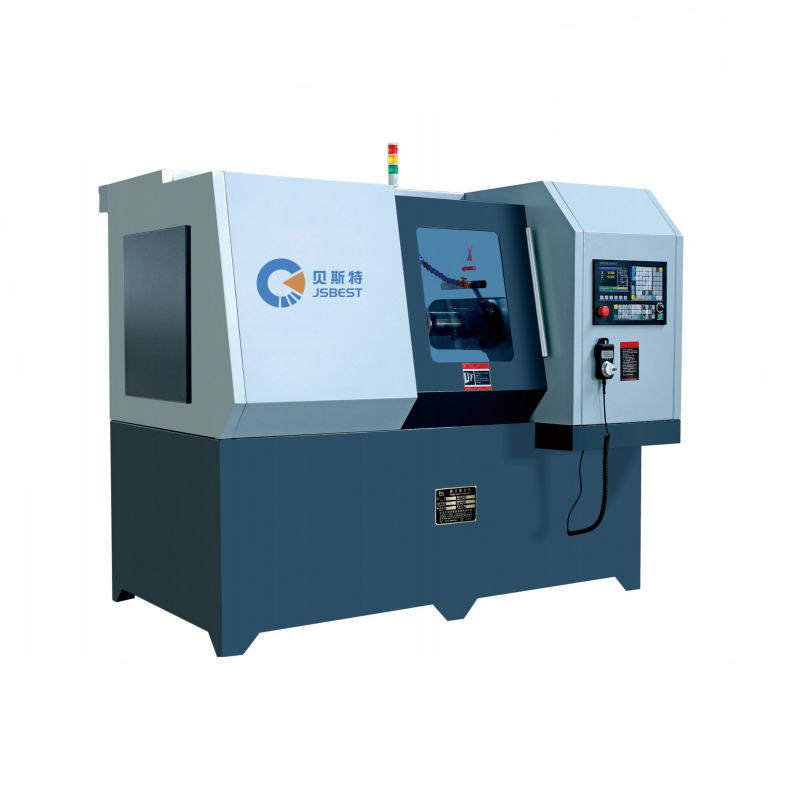
CNC Circular Knife Grinding Machine structural features:• High grinding accuracy, spindle and knife ...
See Details

- PRODUCT
- MDD Series Straight Knife Grinding Machine
- MYD Series Circular Knife Grinding Machine
- MCD Series Rewinding Knife Grinding Machine
- QUICK LINKS
- About Us
- Manufacturing
- Industry Solutions
- Downloads
- Contact
- CONTACT US
-
-
 No.99, Huanghai South Road, Tangyang Town, Dongtai City, Jiangsu Province, China
 -
 0086-13818631306
 -
 +86-515-85652988
 -

-

